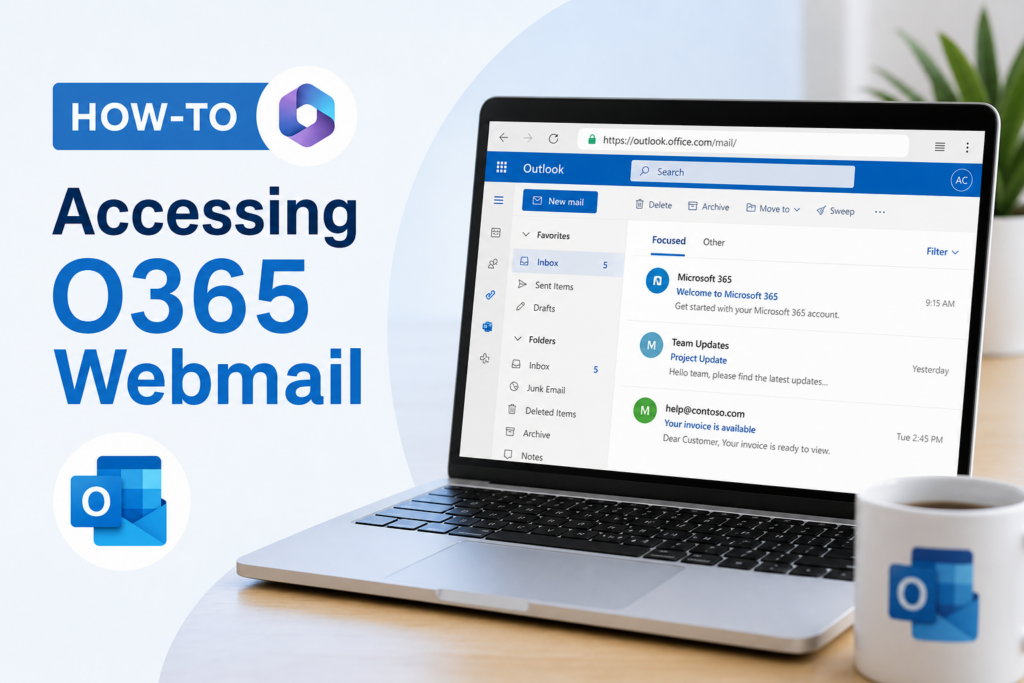
Changing your password in O365 Webmail is an essential step to maintain the security of your account. Whether you suspect that your password has been compromised or simply wish to update it for better security practices, this guide will walk you through the process step by step.
Access O365 Webmail
To get started, open your preferred web browser and go to the following URL:
https://Outlook.office.com/mail
Log in with your current username and password to gain access to your account.
Navigating to Password Change Options
Once you’re logged in, follow these steps:
- In the upper right-hand corner, click on the Gear icon.
- Select Options from the dropdown menu.
Expanding My Account
On the Options page:
- Click the arrow next to General to expand the section.
- Select My account.
Changing Your Password
On the My Account page, scroll down and find the link that says Change your password. Clicking this will open the password change window.
Inputting Your New Password
Fill out the required fields as follows:
- Type in your current password.
- Enter your new password.
- Confirm your new password by entering it again.
Password Requirements
When creating your new password, please ensure it meets the following criteria:
- Must be at least 8 characters long.
- Must contain at least 3 of the following 4 components:
- Uppercase letters
- Lowercase letters
- Numbers
- Special characters (e.g., !, @, #)
- Cannot contain your first or last name, or your username.
- Must not reuse a recently used password.
Finalizing the Password Change
Once you have filled out the form and confirmed that your new password meets all the requirements, click on Save.
To return to your emails, click the arrow next to Options. It will take you back to your inbox.
Logging Out and In Again
For extra security, it’s advisable to log out and back into your account using your new password to ensure that the change has been successful.
Conclusion
Regularly updating your password is a key practice in keeping your O365 Webmail account secure. By following these straightforward steps, you can confidently change your password whenever necessary.
If you have any further questions or need additional help, feel free to explore more resources on [Internal Link]. Remember to always prioritize your online security!